Protecting Your Electronics During a Nairobi Move
Learn how to safely pack and transport sensitive electronics during your Nairobi relocation to avoid damage and data loss.
See everything Grip movers can do for you.
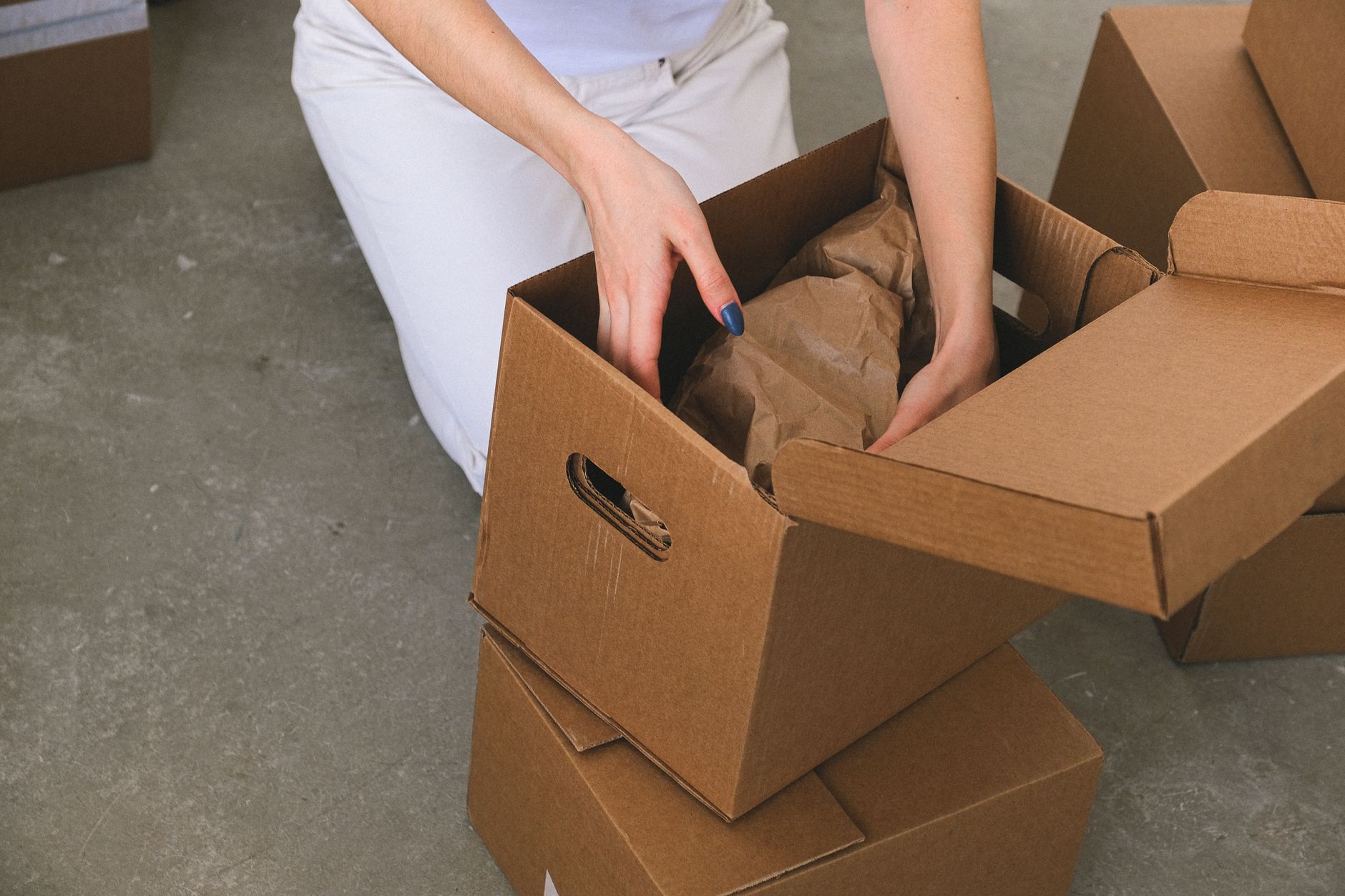
Moving in Nairobi comes with its own set of challenges, from navigating busy roads like Mombasa Road during peak hours to dealing with the unpredictable weather that shifts from hot sunshine to heavy rain within the same afternoon. Electronics are often the most valuable items in any home or office, yet they are also the easiest to damage if packed without thought. A careful approach before, during, and after your move can save you significant money and frustration.
This article is part of our complete guide: House Moving Nairobi.
Why Electronics Need Special Care During Moves
Electronics are far more sensitive to their environment than most people realise. Dust can clog cooling fans and vents, moisture can corrode circuit boards, and even a single sharp knock can dislodge internal components that are nearly impossible to repair locally. Nairobi's roads, particularly in areas like Industrial Area or along Ngong Road, are not always smooth, meaning your belongings experience real vibration during transit. Physical shock from bumps and potholes is one of the leading causes of hard drive failure during moves. Treating electronics with the same care you would give fragile glassware is a good starting point.
Power surges and vibration cause damage that often does not show up immediately. A device might switch on at your new location but begin failing weeks later because a component was loosened or stressed during transport. Nairobi's electricity supply can also be inconsistent, and reconnecting devices carelessly after a move leaves them exposed to surges. Internal components like graphic cards and motherboards are particularly vulnerable because they have no physical protection against electrical spikes. Taking precautions before you even lift a box protects both the hardware and its lifespan.
Data loss is a risk that many people overlook when planning a move. If a laptop is dropped or a hard drive is jostled during loading, you could lose years of documents, photos, and business records in seconds. A move creates enough distraction that devices sometimes get plugged in or switched on before they are ready, which can cause further data corruption. The cost of professional data recovery in Nairobi runs into tens of thousands of shillings and is not always successful. Treating data protection as a moving task rather than an afterthought will save you genuine heartache.
The financial case for careful handling is straightforward. Replacing a 65-inch television, a business laptop, or a professional printer costs considerably more than hiring a reliable moving team to handle everything correctly from the start. Many electronics have warranties that are voided the moment physical damage occurs outside normal use. Insurance claims for damaged goods during moves can also be difficult to process without clear evidence of how items were packed. Investing in proper protection upfront is simply the more economical choice.
Prepare Electronics Before Packing
Backing up your data is the single most important step before any move. Copy files from computers, phones, and external drives to cloud storage or a separate backup drive that you will carry personally. Business owners moving offices in Nairobi should schedule this backup at least two days before packing begins so there is time to verify that everything transferred correctly. A backup that has not been checked is not really a backup. Once your data is secure, you can pack your devices with far less anxiety.
Clean all devices thoroughly before wrapping them. Dust and debris trapped inside a box during transport can work its way into ports and vents, causing problems once the device is in use again. Use a soft, dry cloth to wipe screens and surfaces, and use compressed air to clear keyboards and vents if you have it available. Allow anything that has been cleaned with even a lightly damp cloth to dry completely before wrapping. Packing a damp device into an enclosed box in Nairobi's humid weather is an invitation for moisture damage.
Photograph every cable connection behind your television, computer, or office equipment before you disconnect anything. A clear photo saved to your phone takes about thirty seconds and saves enormous frustration when you are trying to reassemble your setup in a new space. Label each cable with a small piece of masking tape and a marker if you have multiple devices with similar connections. This step is especially useful for home offices and businesses with structured networking equipment. The time you spend on this before packing will be paid back many times over during setup.
Power down all devices at least 24 hours before the move to allow internal components to cool and settle. Batteries from remote controls, wireless keyboards, and portable speakers should be removed and packed separately. Leaking batteries can cause corrosion damage that is often irreversible, and the risk increases when devices are stored in enclosed boxes for extended periods. A small zip-lock bag labelled with the device name keeps batteries organised and safe. These small preparations take minutes but protect items that took months or years to acquire.
Packing Strategies for Computers and Laptops
Original manufacturer boxes are designed specifically to hold and protect each device, so use them whenever you still have them. The foam inserts in original packaging are shaped to absorb the exact type of shock that device is vulnerable to, which generic padding cannot replicate as precisely. If you no longer have original boxes, specialist moving suppliers in Nairobi do stock sizes suitable for desktop towers and laptops. A well-fitted box is the first line of defence against physical damage. Do not compromise on this if you can help it.
Anti-static bubble wrap is the correct material for wrapping electronics because ordinary plastic bags can generate static electricity that damages sensitive circuits. Wrap each device fully, securing the wrap with tape rather than rubber bands that can leave marks or create pressure points. Place the wrapped device into the box and test that it sits snugly without pressing against the sides. Gaps in the box allow the device to shift during transport, which multiplies the effect of every road bump. Fill any remaining space with clean packing paper, not newspaper, which can transfer ink to surfaces.
Label every electronics box clearly with the word "Fragile" on at least two sides, and mark the correct orientation with an upward-pointing arrow. This simple labelling changes how movers handle a box during loading and stacking. Never place heavy items such as books, tools, or kitchen appliances on top of boxes containing computers or laptops, as the compressive weight alone can damage a laptop screen or crack a desktop casing. Keep electronics boxes together in a dedicated section of the moving vehicle where they are easy to monitor. A clearly organised load is also faster to unpack.
Transporting Televisions and Large Screens
Televisions should travel in their original packaging whenever possible, as the internal foam is shaped to support the weight of the screen without putting pressure on the panel itself. If the original box is no longer available, purpose-built TV moving boxes are the next best option, and they are available in Nairobi from several packaging suppliers. Improvised wrapping with blankets alone is not sufficient for large screens over 40 inches, as the panel edges remain exposed to impact. Investing in the right box for a 65-inch television is far cheaper than replacing it. Take this seriously before moving day arrives.
Always transport television screens in an upright, vertical position rather than lying flat. A flat screen placed horizontally puts the weight of the frame and housing directly on the panel, which is not designed to bear that load and can develop pressure cracks that may not be visible until the TV is powered on. Secure the box or screen to the side of the moving vehicle with straps so it cannot tip during sharp turns. Padding between the screen and any adjacent items prevents contact damage from shifting loads. The few extra minutes spent securing a television properly make a real difference.
Screens are sensitive to temperature extremes, so a climate-controlled or well-ventilated vehicle is preferable for transporting them, particularly during Nairobi's hotter months. Direct sunlight streaming through a vehicle's window onto a screen can raise surface temperatures enough to damage the LCD layer. Keep screens positioned away from windows during transit and cover them with a moving blanket if sun exposure is unavoidable. Moisture from sudden rain is equally damaging, so a covered vehicle is strongly recommended. These are the kinds of details that professional movers manage as a matter of course.
Handling Small Appliances and Accessories
Refrigerators must be defrosted and fully emptied at least 24 hours before moving day. Any residual water from a partially defrosted fridge will leak during transport, and moisture inside a moving vehicle can damage nearby electronics and other belongings. Once defrosted, leave the fridge door slightly open to allow it to air out before packing. This also prevents mould from forming if the appliance is stored for any period before being reconnected. A clean, dry fridge is also much lighter and easier for a moving team to handle safely.
Cords and cables for small appliances should be tied neatly with twist ties or velcro straps rather than wound tightly around the appliance itself. A cord wrapped tightly around a kettle or microwave can stress the connection point where the cable joins the appliance body. Place each bundled cord alongside the appliance in the box rather than tangled separately. Charging cables for phones, laptops, and tablets travel best in individual labelled bags, grouped by room or device. This organisation means you can set up the essentials at your new location within the first hour of arrival.
Kettles, microwaves, coffee makers, and similar kitchen appliances need firm padding in their boxes because they are often heavier and oddly shaped. Place a layer of packing paper at the base of the box, position the appliance in the centre, and fill all sides with additional paper before sealing. Heavy appliances such as large microwaves and desktop printers should be loaded onto the ground level of the moving vehicle, not stacked on top of other boxes. Weight distribution in the vehicle affects how loads shift during sudden stops. Keeping heavy items low reduces the risk of them toppling onto fragile boxes during the journey.
Unpacking and Setting Up at Your New Location
Before plugging anything in, conduct a visual inspection of every electronic device for cracks, dents, or signs of impact. Open laptop lids slowly and check the screen for pressure marks or dead pixels. Check television screens by holding them at an angle against a light source before mounting them. If you spot visible damage, document it with photographs immediately so you have a clear record. Identifying problems before powering on gives you the best chance of making a warranty or insurance claim if needed.
After a move, allow sensitive devices to sit at room temperature for at least two to three hours before switching them on. This waiting period allows any condensation that may have formed during transport to evaporate, particularly if the device moved from a cool vehicle into a warm building. Powering on a device while condensation is present inside the casing is a common cause of short circuits. This is especially relevant during Nairobi's rainy season when humidity is high and temperature changes between vehicle and building can be significant. Patience at this stage protects the investment you made in careful packing.
Use surge protectors rather than plugging devices directly into wall sockets when reconnecting at your new location. Nairobi's power supply can be subject to fluctuations, and a surge protector absorbs spikes that would otherwise reach your electronics. Test devices one by one in sequence rather than switching everything on at the same time, which makes it much easier to identify any that are not functioning correctly. Keep all original packaging, manuals, and warranty cards until you have confirmed that every device is working as expected. A week of patient testing is time well spent when the alternative is an uncovered replacement cost.
Moving electronics safely across Nairobi is entirely achievable with the right preparation and a moving team that understands how to handle fragile and valuable items. If you would like to know how we approach electronics and sensitive equipment during a move, visit our services for a full overview of what Grip Movers can do for your home or office relocation. A little planning before moving day makes the setup at your new space much smoother.
See everything Grip movers can do for you.
Visit Grip movers →